3dmodelfrom

Workflow comparison

3d model from image vs online: choose your workflow

The useful comparison is between building a 3d model from image references in desktop software and starting with an online image-to-3D service. An online result can help you test a concept; a hands-on workflow gives you direct control over geometry. Neither route turns unseen parts of a single photo into verified measurements.

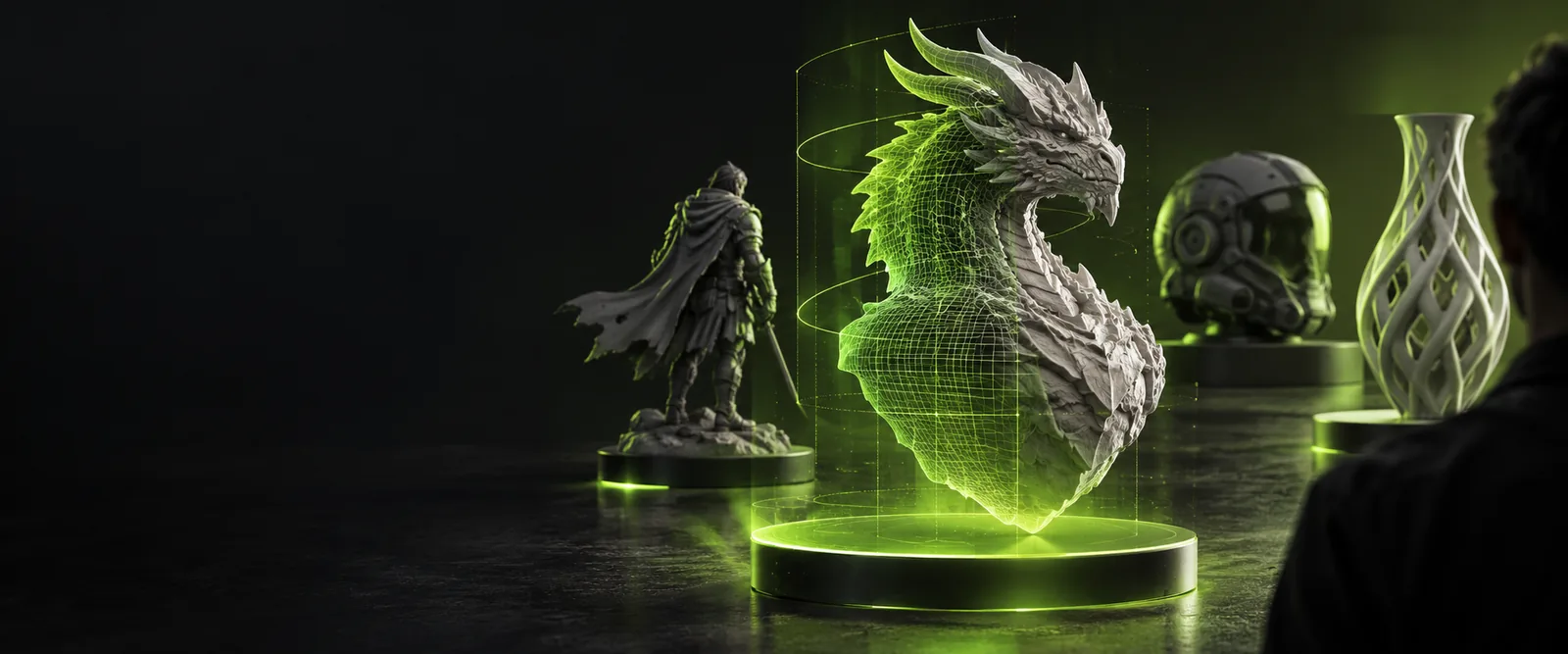
Stylized 3D model shown in the site's hero artwork

Decision criteria

Dimension by dimension: speed, control, and certainty

Judge both approaches against the same reference and the same intended use. A quick-looking result and a usable production asset are different outcomes.

  1. 1

    Compare the first usable result

    An online service is a reasonable place to explore silhouettes when you have a photo or illustration and need something to review. Building in desktop software asks you to place shapes, interpret depth, and refine the form yourself. The relevant time is not just time to a first preview: include the time needed to correct the result for its intended use.

  2. 2

    Compare control over the mesh

    Manual modeling lets you decide which edges, surfaces, and proportions to create. With an online result, the amount of control depends on what that particular service supplies and what you can edit afterward. Inspect the mesh before relying on it for animation, close-up rendering, fabrication, or further modeling; an appealing render alone cannot establish that its geometry is suitable.

  3. 3

    Compare what the image can establish

    One image shows a projection, not the full object. Either workflow must infer hidden surfaces, thickness, and depth unless you supply more references or measurements. For recognizable objects, compare multiple views when possible and mark any unknown features as assumptions. Manual work makes those decisions explicit; online generation may propose them for you, but you still need to check them.

  4. 4

    Compare the handoff requirements

    Ask what the next person or application actually needs: a presentation image, an editable model, a particular file type, or dimensions that can be checked. A browser-based preview may answer the first question without answering the others. Before choosing a workflow, verify the available outputs and test the asset in the software where it will be used.

Best-fit projects

Who each route suits

The best starting point changes with the job. These examples focus on what must be checked after the first 3D result, not on a promise that either method finishes the work.

Concept artist

You have a character illustration and want to review its volume from another angle. An online starting point can expose proportion problems early, while manual edits remain useful for the final silhouette.

Treat the result as a concept study. The image to 3d model ai guide explains the distinction between a plausible generated form and a mesh ready for further work.

image to 3d model ai

Blender modeler

You need to choose topology, correct asymmetry, and keep revising a prop. Start with image references inside your modeling workflow, or use an online result only as a rough reference.

You retain direct control over the shape. The how to convert image to 3d model in blender walkthrough covers a more deliberate route from reference to editable geometry.

how to convert image to 3d model in blender

Product designer

You have front and side photographs of an object and care whether its proportions agree across views. Neither a single generated preview nor a single traced outline resolves hidden dimensions.

Gather references before refining the shape. The multiple images to 3d model guide helps frame what extra views can clarify and what still requires measurement.

multiple images to 3d model

Asset integrator

You need to pass a model into another application rather than present a still image. Check the actual export, inspect its scale and geometry, and confirm it opens correctly downstream.

Define the deliverable before choosing a service. The image to 3d obj page focuses on the file handoff rather than assuming a preview is an editable asset.

image to 3d obj

Practical handoff

Migration path: from initial shape to checked asset

You do not have to commit to one route for the entire project. Begin with a clear image and decide what a successful first result would show. If you explore an online option, compare its shape with your reference before spending time on details. Move into an editor when you need to correct geometry, add missing surfaces, or prepare a specific deliverable. Keep the source image beside the model, inspect it from views the image did not show, and check the final file in its destination application. 3dmodelfrom offers a starting point for exploring the image-to-3D route; review the destination's available capabilities before relying on any particular output.

Start with a reference, then test the result

  • Save the original reference for comparison.
  • Mark hidden geometry as an assumption until checked.
  • Test the deliverable in the application that will use it.
Explore image conversion

Comparison questions

Comparison FAQ

It changes where and how you begin: you submit a reference to a browser-based service instead of constructing the shape directly in modeling software. That can be useful for exploring a form, but available controls and deliverables vary by service. Check the actual result rather than assuming an online preview is a finished model.

Neither approach can recover measurements or hidden surfaces that the photo does not show. A generated result may look convincing while making different assumptions from the real object. For accuracy, use additional views or measurements and verify the resulting geometry against them.

Start online if your immediate goal is to explore a visual direction and you can inspect and revise the result later. Start in Blender when deliberate control over shape and ongoing edits is central to the task. You can also use an online result as a reference and rebuild or correct it in Blender.

That depends on the files the chosen service actually provides and whether your editor can open them. Before relying on this handoff, check the available export, inspect the imported mesh, and confirm its scale and orientation. Keep the original image available so you can identify changes needed after import.

For a concept, either route can help you propose a three-dimensional shape from a single view. For a faithful reconstruction, both face the same missing-information problem: the back, depth, and obscured details are unknown. Choose the route that makes it easiest to review and correct those assumptions for your project.

Create a 3D model
Create a 3D model