Concept artist
You have a drawing of a prop but have not decided how its back should look.
Use the first shape to test a silhouette, then make deliberate choices about unseen surfaces.
Image-based creation
An image to 3d model free online search is a useful starting point, but an image cannot show every side of an object. Use 3dmodelfrom to explore the workflow, then check the destination's current access terms before proceeding.
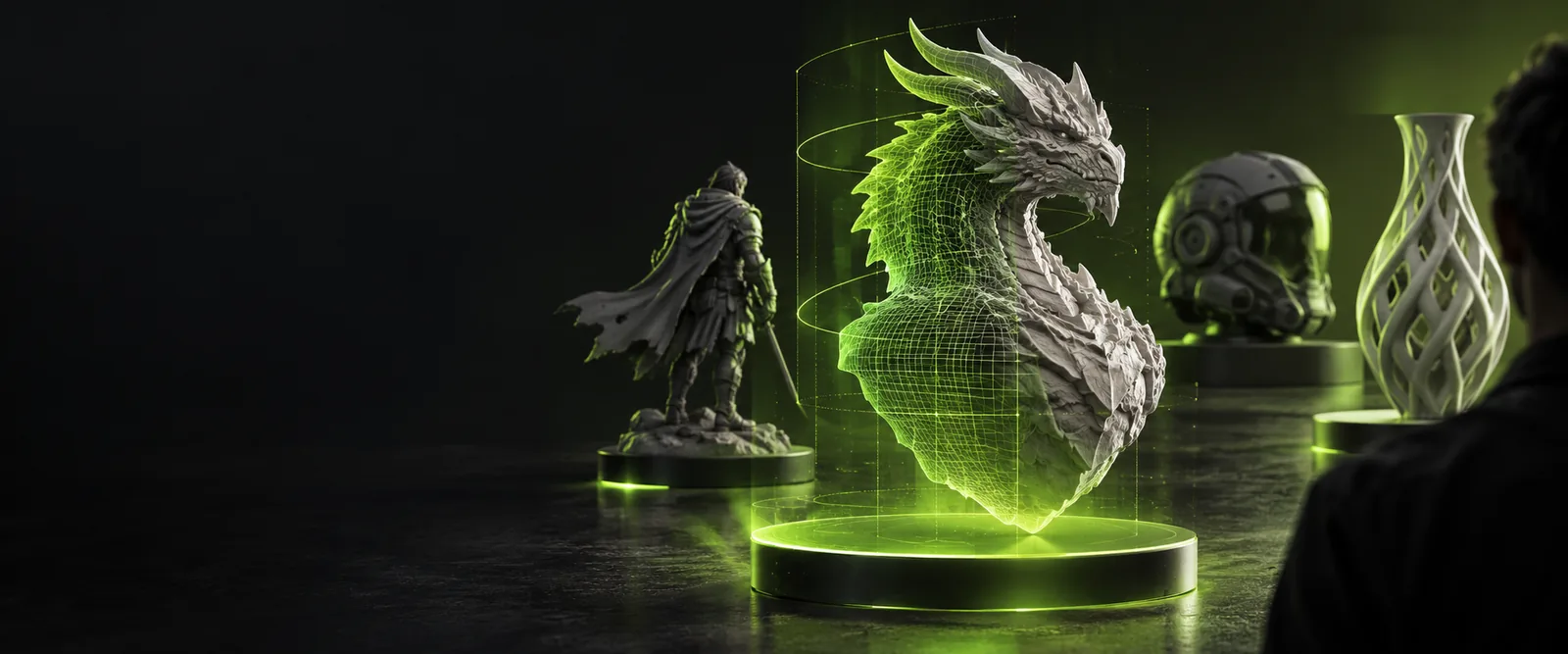
These limits come from the information in the source image, not just the tool you choose.
A front view does not reveal the back, underside or internal structure. Any generated shape in those areas is an interpretation, not a faithful reconstruction.
What to do instead
Collect side and rear references when accuracy matters.
Without a known measurement or reference object, the apparent size of a subject can be misleading. Perspective can also make equal-length features look different.
What to do instead
Record one real-world dimension and verify proportions before fabrication.
Printed patterns, shadows and reflections can look like physical features in a photograph. An image-based result may simplify them or treat them as surface appearance.
What to do instead
Use clear lighting and inspect raised or recessed details in a 3D editor.
A search result labeled free online does not establish the current terms of another service. Availability, usage limits and exports depend on the destination.
What to do instead
Review its current terms before uploading a reference or planning a project around an export.
Treat the first result as a concept to inspect, not as a measured scan.
Start with one clearly lit subject against a relatively uncluttered background. Avoid cropped edges when the silhouette is important.
Describe the subject, its intended shape and any details that must remain recognizable. If you have only one view, distinguish visible features from assumptions about the unseen sides.
Rotate the result and check the silhouette, depth and hidden surfaces. Revise the reference or description if the first interpretation misses the parts that define your object.
The right next step depends on whether you need another view, a particular workflow or a specific file type.
This comparison is about the information you provide, not a promise about any service's features or output.
| Single reference image | Multiple reference views | |
|---|---|---|
| Preparation | Choose one clear, uncropped image. | Gather views of the same subject from different angles. |
| Visible surfaces | Only the photographed side is directly shown. | More sides can be directly shown. |
| Hidden geometry | Requires substantial interpretation. | Requires less interpretation where views overlap. |
| Consistency | Lighting and pose need attention in one image. | Lighting, scale and subject pose should agree across images. |
| Best early use | Exploring a concept or recognizable silhouette. | Providing stronger reference for a specific object. |
| Accuracy check | Compare visible features and inspect unseen sides. | Compare each view against the corresponding side of the result. |
A useful result depends on what you need to do after the initial image-based step.
You have a drawing of a prop but have not decided how its back should look.
Use the first shape to test a silhouette, then make deliberate choices about unseen surfaces.
You want to explore a room photo as a spatial reference.
Separate visible furniture and walls from dimensions the photo cannot establish.
You want direct control over the shape after starting with a reference picture.
Build or refine geometry in an editor rather than relying on the first interpretation alone.
Pick an image with a readable outline and decide which features matter most. Explore the destination's available workflow, check its current terms, and review any result from more than one angle before using it in a larger project.
An online image-to-3D workflow can use one picture as a starting reference. Because that picture shows only part of the subject, inspect the result as an interpretation rather than an exact reconstruction.
No. Search wording does not establish a service's current access terms, usage limits or export options. Check those details at the destination before uploading an image or depending on a particular output.
Choose a sharp image with clear lighting, an unobstructed subject and a readable outline. If exact proportions matter, keep a known measurement or additional views available for checking the result.
A single front-facing image cannot document the back. Any back surface derived from it needs review, and extra views can give you a stronger reference.
A visually convincing shape is not necessarily ready to print. Before printing, verify the dimensions, wall thickness and mesh integrity in appropriate 3D software, as well as whether the destination provides a suitable export.