Concept artist
An artist has a character sketch and wants to explore its apparent depth before committing to detailed modeling.
A rough 3D interpretation can help test proportions and viewpoints, with uncertain features revised by hand.
A 3d model from image is a three-dimensional interpretation of a two-dimensional picture. In this search, free describes a question about access or cost, not a guarantee: check a tool’s current terms before uploading an image or expecting a usable file.
A picture supplies visible clues, not a complete set of measurements. Treat the first model as an interpretation that may need inspection and editing.
One front-facing photo cannot show the rear, underside, or interior of an object. A generated 3d model from image must infer those surfaces, so they may not match the original.
What to do instead
Provide additional views where a workflow accepts them, or model the unseen areas manually.
Without a known scale or measured reference, pixels do not establish reliable real-world size. A plausible shape is not automatically a dimensionally accurate replica.
What to do instead
Measure the subject and verify scale in a 3D editor before using the result for fabrication.
Thin parts, reflective materials, complex edges, and background clutter can lead to broken geometry or misplaced details. A convincing preview does not prove that a mesh will print or animate cleanly.
What to do instead
Inspect topology, surfaces, and thickness in the software used for the final project.
Free may refer to a trial, a limited export, or access to a preview rather than unrestricted use. Terms can differ between tools and change over time.
What to do instead
Check upload, export, and usage conditions on the tool you choose.
Image-to-3D methods vary, but the basic workflow moves from visual evidence to an editable spatial representation.
Start with a well-lit image in which the subject is distinct from its background. A clear outline makes the visible shape easier to interpret; it cannot supply details outside the frame.
The workflow uses the image to infer depth, volume, and appearance. A 3d model from image may resemble the reference closely from one angle while differing elsewhere.
Rotate the result to check its hidden sides, proportions, and surface quality. Adjust the mesh or texture as needed before deciding whether it suits a render, prototype, or other intended use.
The right starting point depends on whether you need browser access, additional reference views, or a particular file type.
A before-and-after view illustrates the central difference: the reference records one viewpoint, while a 3D preview represents an object that can be viewed from other angles.
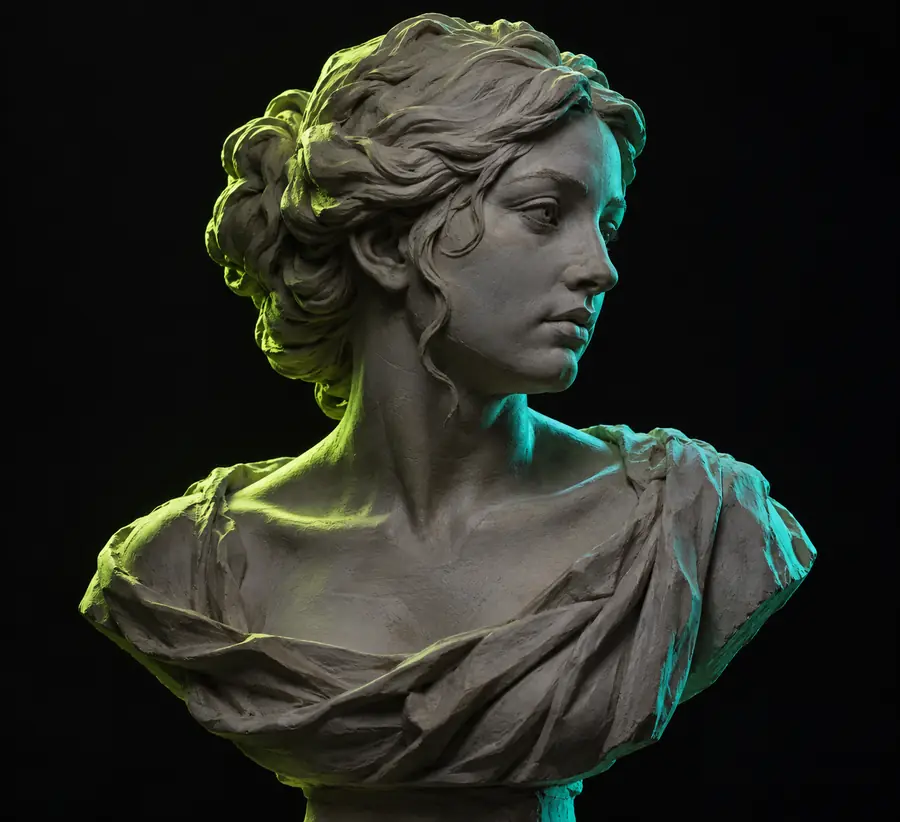
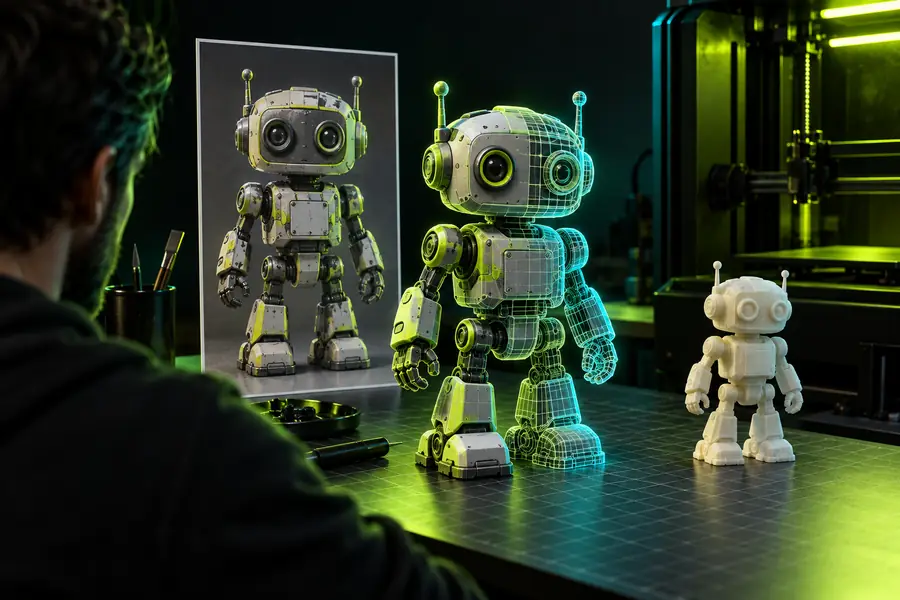
Use the preview to judge visible form, then inspect other angles. A side-by-side image alone cannot establish mesh quality, exact scale, or which parts were inferred.
Reference image3D previewPeople use a 3d model from image for different goals. The amount of cleanup depends on whether the result is an early visual concept or a technical deliverable.
An artist has a character sketch and wants to explore its apparent depth before committing to detailed modeling.
A rough 3D interpretation can help test proportions and viewpoints, with uncertain features revised by hand.
A visualizer wants to use a building picture as a starting reference for a spatial concept.
The result may help communicate massing, but measured plans remain necessary for accurate geometry.
A learner wants to turn a reference picture into a model and then practice inspecting and correcting it.
Editing the inferred shape offers a way to study depth, topology, and the limits of a single view.
A 3d model from image can be a useful starting point when you need to explore shape rather than recover measurements. Open the available workflow, check its current terms, and inspect any result against your reference and intended use.
It usually means someone wants to create a 3d model from image without paying for at least part of the process. The word free does not specify what is included: image upload, generation, preview, and file export may have different conditions. Check the particular tool’s current terms.
A single photo can serve as the basis for a 3D interpretation, but it does not show every surface. The back, underside, and interior must be inferred or created separately. Rotate and inspect the result rather than assuming unseen details are accurate.
No. A preview shows how a result looks, while an editable model requires geometry that a compatible application can open and work with. Confirm what a workflow actually provides before planning further edits or export.
Not necessarily. Appearance alone cannot confirm real-world dimensions, adequate wall thickness, or suitable geometry. Measure the subject where accuracy matters and check the model in your printing workflow before fabrication.
Different viewpoints can provide evidence about surfaces hidden in a single image. They only help if the chosen workflow accepts and uses multiple references, and they do not replace careful inspection. Consistent lighting and a clearly visible subject can make the references easier to interpret.